
Wheelhouse Review: Pricing Live in Under 2 Hours, No Learning Curve
By the time I got to testing my third pricing tool, I was tired. Tired of tabs, tired of settings menus, tired of reading help docs before I could even see a sample price recommendation. So the thing I actually noticed first about Wheelhouse wasn’t a feature — it was that I had a usable pricing strategy running in under two hours, on a free plan, before I’d spent a single dollar.
That’s Wheelhouse’s whole pitch in one sentence: less setup, still real dynamic pricing.
TL;DR
Wheelhouse has a genuinely free plan for a single listing, plus paid tiers from $2.99/month minimum (1% of revenue) up to $19.99/listing/month flat (with volume discounts at 10+ listings). It wins on fastest onboarding and cleanest interface of the three major pricing tools, and on accuracy in event-heavy urban markets. The tradeoff: no direct Vrbo connection (it routes through a PMS partner) and no mobile app as of 2026.
What Wheelhouse Actually Does
Wheelhouse is a dynamic and predictive pricing platform built around two products: its flagship Dynamic Pricing engine, and a newer offering called Dynamic Sets. The core engine adjusts nightly rates using demand forecasting, competitor price tracking, and custom rules for last-minute pricing, weekends, and minimum-stay requirements. You can manage anywhere from a single listing up to a 5,000+ unit portfolio through the same interface.
What stood out during setup was how much Wheelhouse front-loads the “does this even make sense” question. Instead of dumping every configuration option on you at once, it walks you toward a usable baseline strategy first, then lets you go deeper into custom rules once you actually understand what you’re adjusting and why. For a host who’s tired of learning curves after already fighting through two other tools, that ordering matters more than it sounds like it should.
Pricing, Broken Down
| Plan | Cost | Notes |
|---|---|---|
| Free | $0 | Single listing, full dynamic pricing — genuinely usable, not a crippled trial. |
| Pro Flex | 1% of booked revenue, $2.99/mo minimum | Scales with revenue like Beyond Pricing’s model, but with a much lower minimum. |
| Pro Flat | $19.99/listing/mo (10–49 listings: $16.99, 15% off) | Flat fee alternative to the revenue-based plan. |
| Dynamic Sets | $12.99/set/month | Newer product, priced separately from the core dynamic pricing engine. |
For a two-property host, this pricing structure is genuinely flexible: you could run one property on the free plan while it’s new and unproven, then move to Pro Flex or Pro Flat once revenue is established enough to justify the paid tier’s extra features.
Pro Flex vs. Pro Flat: Running the Numbers
The same crossover math that applies to Beyond Pricing applies here, just with a much lower floor thanks to the $2.99/month minimum on Pro Flex:
| Monthly revenue | Pro Flex (1%) | Pro Flat |
|---|---|---|
| $300 | $3 (hits the $2.99 minimum) | $19.99 |
| $1,500 | $15 | $19.99 |
| $3,000 | $30 | $19.99 |
The crossover lands around $2,000/month — below that, Pro Flex is cheaper; above it, Pro Flat wins. Same logic as Beyond Pricing’s percentage model, just with a friendlier floor for a brand-new or off-season listing that might earn almost nothing some months.
Where the Clean Interface Actually Pays Off
“Easier to use” is a vague claim most software makes about itself. Here’s what it concretely meant during setup: Wheelhouse’s calendar view surfaces the reasoning behind a price change directly next to the number — comp set, demand signal, event flag — without a separate dashboard you have to dig into. PriceLabs offers similar transparency, but buried a layer deeper in the settings. For a host checking prices during a five-minute break between guest messages, that difference adds up over a season.
The tradeoff for that simplicity: fewer of the hyper-granular manual overrides PriceLabs offers. If you want to hand-tune twelve different seasonality windows with unique rules for each, Wheelhouse’s more streamlined rule-builder will feel limiting by comparison.

Event-Heavy Markets vs. Our Actual Market
Reviewers consistently point to Wheelhouse pulling ahead in event-heavy urban markets — think conference weekends, concerts, sudden demand spikes a purely historical model might miss. That’s not really our situation in Jay, NY; our demand drivers are seasonal and somewhat predictable (ski weekends, foliage, lake season) rather than event-driven in the way a downtown market is. That doesn’t make Wheelhouse a bad fit for a cabin market, it just means the specific strength reviewers rave about isn’t the one that moves the needle most for a property like ours — which is a useful reminder to weigh reviews against your actual market type, not just the tool’s overall reputation.
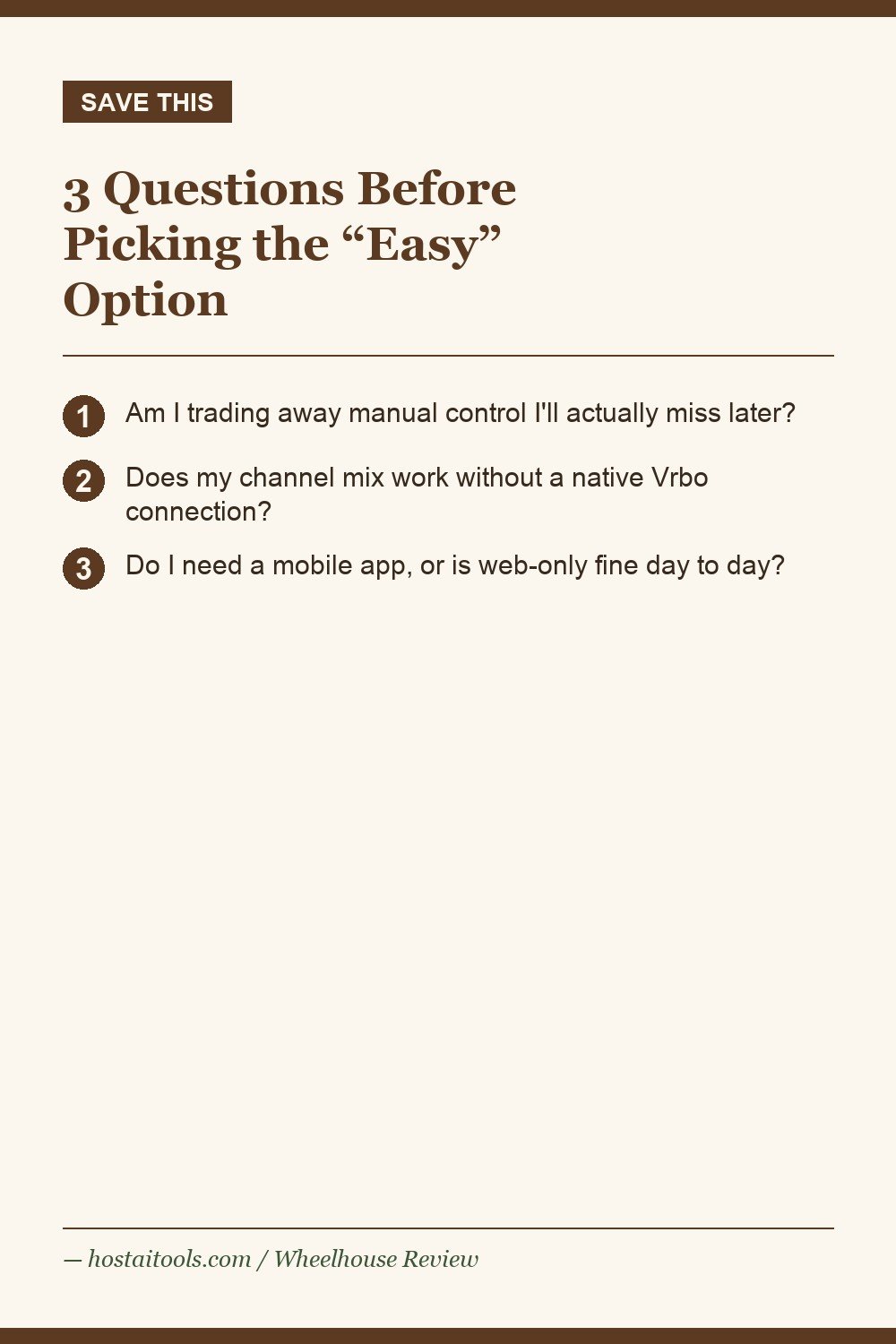
3 Questions to Ask Before Picking the “Easy” Option
- Am I trading away control I’ll actually miss? If you know you like granular manual rules, don’t pick the simpler tool just because setup is faster — you’ll hit the ceiling eventually. If you genuinely don’t want to fuss with twelve seasonality windows, the simpler tool is the right call, not a compromise.
- Does my channel mix work with its integration model? Wheelhouse’s lack of a direct Vrbo/HomeAway connection (it routes through a PMS partner) is the single most common complaint in its reviews. If Vrbo is a meaningful chunk of your bookings, confirm your specific PMS bridges that gap cleanly before committing.
- Do I need mobile access? Wheelhouse is web-only as of 2026 — no native app. If you’re the type to check pricing from your phone between cleanings, that’s a real daily friction point, not a minor one.
Where It Falls Short
The Vrbo integration gap is the headline issue — across 162 verified reviews, it’s flagged as the #1 complaint, and it adds real setup cost and complexity if you have to route through a PMS partner just to get full channel coverage. The lack of a mobile app is the second recurring gap, and for a host managing properties remotely (as we do, splitting time between Jay and Philadelphia), web-only access is a genuine, if survivable, inconvenience.
There’s also the flip side of the “easy” praise: some multi-unit operators have reported nearly identical units in the same location getting priced differently by the algorithm — support was reportedly fast to identify and fix these cases, but it’s worth spot-checking your own pricing across similar units rather than assuming perfect consistency.
Who this is NOT for: hosts with a heavy Vrbo-driven booking mix who need a rock-solid native integration, or hosts who specifically want PriceLabs-level manual rule granularity. See our PriceLabs review for the more control-heavy alternative.
The contrarian take: “easiest to use” gets treated as a beginner feature, like something you graduate out of. I don’t think that’s right. After running a more complex tool for a season, I found myself wanting fewer dials, not more — the simplicity wasn’t a starting point I outgrew, it was a destination I was actively trying to get back to.
Wheelhouse vs. the Other Two, at a Glance
Full breakdown in our PriceLabs vs. Beyond Pricing vs. Wheelhouse comparison.
| Tool | Starting cost | Best for |
|---|---|---|
| Wheelhouse | Free, or from $2.99/mo | Fastest setup, cleanest interface, event-heavy markets |
| PriceLabs | $19.99/listing/mo or 1% revenue | Maximum manual control — see our PriceLabs review |
| Beyond Pricing | 1%–1.25% of revenue | New/seasonal listings, hands-off setup — see our Beyond Pricing review |
FAQ
Is the free plan actually usable, or a crippled trial?
It’s genuinely usable for a single listing — full dynamic pricing, not a stripped-down demo. It’s a reasonable way to test the algorithm on one property before paying for anything.
Does Wheelhouse connect directly to Vrbo?
No — it requires routing through a supported PMS partner, which is the most commonly cited setup friction in reviews. Confirm your specific PMS bridges this before assuming full multi-channel coverage.
Is there a mobile app?
No, Wheelhouse is web-only as of 2026.
How does the free plan compare once I outgrow one listing?
You’ll need to move to Pro Flex (1% of revenue, $2.99/month minimum) or Pro Flat ($19.99/listing/month, with volume discounts starting at 10 listings) — there’s no free multi-listing tier.
Is Wheelhouse a good fit for a seasonal cabin market like the Adirondacks?
It works fine for seasonal markets, though its standout strength (event-driven urban demand spikes) matters less for a predictable seasonal calendar like ours. Its real draw for a property like the Jay house is setup speed, not market-specific accuracy.
What is Dynamic Sets, and do I need it?
It’s a newer, separately priced product ($12.99/set/month) distinct from the core Dynamic Pricing engine. Most small hosts starting out don’t need it — it’s aimed at more advanced portfolio-level strategy management.
Next: read our PriceLabs review, our Beyond Pricing review, or the dynamic pricing overview.
Pin This
Sources: Wheelhouse official pricing, Capterra reviews, StaySTRA 2026 comparison.
Pingback: PriceLabs Review: Is the Learning Curve Worth It for a 2-Property Host? - HostAITools
Pingback: PriceLabs vs. Beyond Pricing vs. Wheelhouse: Which AI Pricing Tool Actually Fits Your Property? - HostAITools