
PriceLabs Review: Is the Learning Curve Worth It for a 2-Property Host?
It’s late January, and I have three tabs open: the Jay house’s calendar (half-empty, ski season should be printing money right now), the Philly duplex’s calendar (100% occupied, same rent, every month, because that’s how long-term rentals work), and a spreadsheet where I’ve been manually nudging the Adirondack nightly rate up and down based on a gut feeling and whatever the three closest competing cabins are charging this week. It is not a system. It is vibes with a due date.
That’s the exact problem PriceLabs is built to solve, so it’s the first tool I dug into properly.
TL;DR
PriceLabs is a per-listing dynamic pricing tool starting at $19.99/listing/month (US), with a 1%-of-revenue alternative plan and a 30-day free trial. It’s the most feature-dense and most integrated option of the three big pricing tools (150+ PMS connections), which also means the steepest learning curve. Best fit for hosts who want granular control and don’t mind a setup weekend. Not the best fit if you want to set it and forget it on day one.
What PriceLabs Actually Does
PriceLabs is a dynamic pricing engine that plugs into your PMS or channel manager (Hospitable, Guesty, Hostaway, OwnerRez, Lodgify, and 150+ others) and re-prices your calendar automatically based on demand signals: how far out a date is, how many comparable listings nearby are still open, local events, seasonality, and your own booking pace. You’re not setting one flat rate and hoping — the tool is adjusting, sometimes multiple times a day during high-demand windows.
What separates it from a basic “smart pricing” toggle is the amount of control layered on top: minimum-stay rules, day-of-week customization, occupancy-based pricing (charging more per extra guest), and — the part that took me the longest to actually understand — a full set of market dashboards that show you what comparable listings in your area are charging, right now, not last quarter.
Pricing, Broken Down
PriceLabs’ pricing has more moving parts than either of its two main competitors, so here’s the actual structure as of this writing:
| Plan | Cost | Notes |
|---|---|---|
| Standard (flat fee) | $19.99/listing/month (US, UK, Canada, EU, AU, NZ, Israel) | Sliding scale — cost per listing drops as your portfolio grows, down to roughly $5.99/listing past 100 units. |
| Percentage plan | 1% of booking revenue | Requires a 1-year commitment. Can work out cheaper for lower-ADR properties, more expensive for high-ADR ones. |
| Portfolio | $499/month flat | For 60+ units — not relevant to most small hosts, but worth knowing it exists. |
| Add-ons | Market Dashboards $9.99/mo, Revenue Estimator Pro $10/mo | Optional. The core dynamic pricing engine doesn’t require either to function. |
For a two-property host like me, that’s roughly $40/month before any add-ons — plus a 30-day free trial to actually test it against a real ski season before committing.
What the First Week of Setup Actually Looks Like
Every pricing tool’s marketing page makes onboarding sound like a five-minute toggle. It isn’t, and I’d rather tell you that upfront than have you discover it mid-ski-season. Here’s the realistic sequence:
- Day 1 — connect and import. Linking PriceLabs to Hospitable pulls in your existing calendar, current rates, and booking history. This part genuinely is fast.
- Days 2–4 — set your guardrails before you touch automation. This is the step people skip and regret. Set your minimum price, maximum price, and any dates you want blocked from automated changes (a family reunion week, a maintenance week) before you let the algorithm start adjusting live rates.
- Days 5–7 — layer in seasonality and event rules. This is where the Adirondack-specific work happens: telling PriceLabs which weekends are ski-driven, which are lake-driven, and where the two overlap or conflict. The default algorithm doesn’t know your market has four distinct personalities — you have to teach it.
- Ongoing — weekly sanity checks. Even once it’s tuned, glance at the calendar weekly. The algorithm is good at volume, not local judgment (a road closure, a new competing cabin listing, a neighborhood event it has no record of).
Realistically, budget a weekend for the initial setup and guardrail-building, then expect another few weeks of minor tuning before you fully trust it during a high-demand swing.
The Adirondack Seasonality Test
Here’s why a generic “does it raise revenue” review isn’t enough for a property like the Jay house: our demand curve isn’t a smooth bell curve, it’s four distinct seasons that barely resemble each other. Ski season books differently than summer lake traffic, which books differently than foliage weekenders, which books nothing like mud season in April, when even locals don’t want to be here.
A pricing tool that’s only ever been tuned on comp sets in, say, coastal Florida or a college town isn’t automatically going to handle “this cabin is worth 3x more the weekend the ski resort has a powder day” without some manual guardrails from me. PriceLabs’ strength here is that it lets you layer seasonality rules and event-based overrides on top of the base algorithm — so you’re not purely trusting a black box during the exact weeks where local knowledge matters most. The market dashboard data is also genuinely useful for a thin-comp-set market like ours, where there might only be a handful of truly comparable cabins to check against.

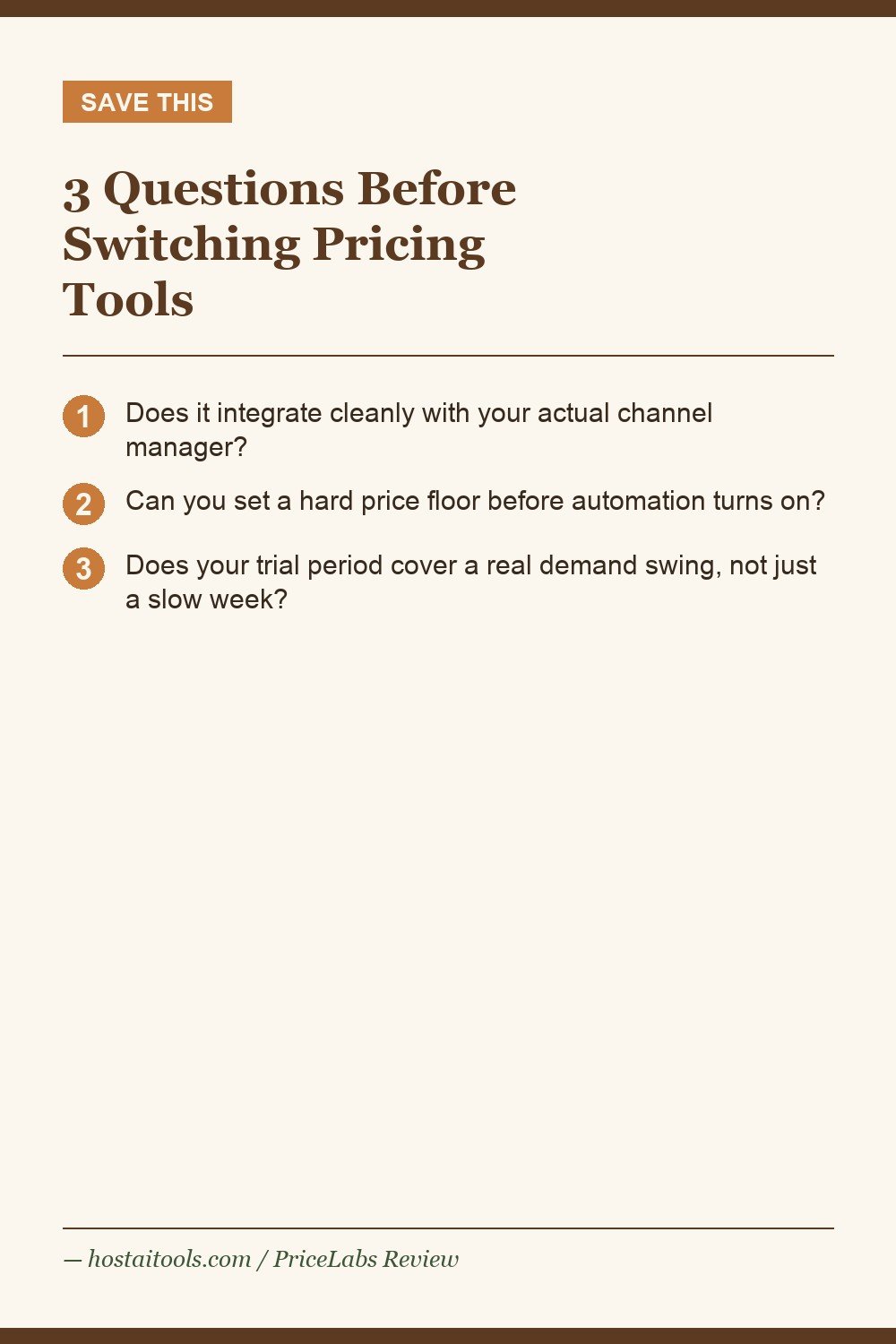
3 Questions to Ask Before Switching Pricing Tools
This is the framework I used to decide whether PriceLabs was worth the setup weekend, and I’d use it again for any pricing tool switch:
- Does it integrate cleanly with your actual channel manager? PriceLabs connects natively to Hospitable, which is what runs both Jay properties — no clunky CSV workaround. Check your specific PMS on their integrations list before anything else, because a “supported” integration and a “smooth” integration aren’t always the same thing.
- Can you set a floor before you turn on automation? If a tool won’t let you set a hard minimum price you’re comfortable never going below, that’s a dealbreaker — not a nice-to-have. PriceLabs supports this natively.
- What does the trial actually cover? A 30-day trial during your slowest season tells you almost nothing. If you can, start the trial heading into a demand swing (a holiday week, a local event) so you actually see the tool make a real decision under pressure.
Where It Falls Short
The recurring complaint across G2 and Capterra reviews — and the one I ran into myself during setup — is that the interface has gotten cluttered as features piled on. There’s a genuine learning curve; some reviewers report it took the better part of a year to feel fully fluent in every setting. The market dashboards, while useful in thin markets like ours, aren’t something every reviewer finds worth the extra $9.99/month — if your market already has robust comp data through your PMS, you may not need it.
The other pattern worth flagging: as PriceLabs has added features over the years (Market Dashboards, Revenue Estimator Pro, Dynamic Sets-style customization), the settings menu has grown with it. It’s not disorganized, exactly, but there are a lot of toggles, and it’s easy to set something during onboarding and forget it’s there six months later, quietly overriding a rule you meant to change. My workaround: I keep a running note of every override I’ve set and why, so future-me isn’t stuck reverse-engineering past-me’s logic during a ski-season traffic spike.
Who this is NOT for: if you have one listing, want to spend ten minutes total on setup, and don’t care about granular seasonality rules, PriceLabs’ depth is going to feel like overkill. A simpler tool (or Wheelhouse’s more streamlined interface — see our Wheelhouse review) may get you 80% of the value with a fraction of the setup time.
The contrarian take: more automation isn’t always the win condition. For a 2-property host, the real value of PriceLabs wasn’t “set it and forget it” — it was the market dashboard forcing me to actually look at comp pricing weekly, something I was skipping when I was pricing manually out of sheer decision fatigue. The tool’s biggest ROI might be the discipline it imposes, not the algorithm itself.
PriceLabs vs. the Other Two, at a Glance
For the full breakdown, see our PriceLabs vs. Beyond Pricing vs. Wheelhouse comparison. Quick version:
| Tool | Starting cost | Best for |
|---|---|---|
| PriceLabs | $19.99/listing/mo or 1% revenue | Hosts who want maximum control and don’t mind a learning curve |
| Beyond Pricing | 1%–1.25% of revenue | Hosts who want a mostly hands-off, support-light setup — see our Beyond Pricing review |
| Wheelhouse | Free plan, or $19.99/listing/mo | Hosts who want the fastest setup and cleanest interface — see our Wheelhouse review |
FAQ
Does PriceLabs work with Hospitable?
Yes — it’s a native integration, which is what we use for both Jay properties.
Is the free trial worth using before I decide?
Yes, and ideally time it around a real demand swing (a holiday or local event) rather than your slowest week, so you see the algorithm actually get tested.
Can I set a price floor so it never goes too low?
Yes, minimum and maximum price guardrails are a core, native feature — not an add-on.
Is the percentage-of-revenue plan a better deal than the flat fee?
It depends on your ADR. For lower nightly rates it can work out cheaper than $19.99/month; for a high-ADR property, the flat fee is usually the better math. Run your own numbers before committing to the 1-year term the percentage plan requires.
How long until it feels intuitive instead of overwhelming?
Budget a full weekend for initial setup and guardrails, then a few more weeks of light tuning. Some reviewers report it taking close to a year to feel fully fluent in every setting — you don’t need that level of mastery to get value, but don’t expect day-one comfort.
Does it handle a market with almost no direct comps, like a rural cabin area?
Better than a lot of alternatives, thanks to the market dashboards, but thin comp sets make any algorithm noisier. Lean on your own local knowledge for the guardrails, and treat the output as a strong recommendation rather than gospel.
Next: compare all three side by side in our full pricing tools comparison, or read how dynamic pricing works in general in our dynamic pricing overview.
Pin This

Sources: PriceLabs official pricing, G2 reviews, Capterra reviews.