
Gemini Prompts for Airbnb Hosts: Guest Damage, Legal Questions, Research, and Photo Edits
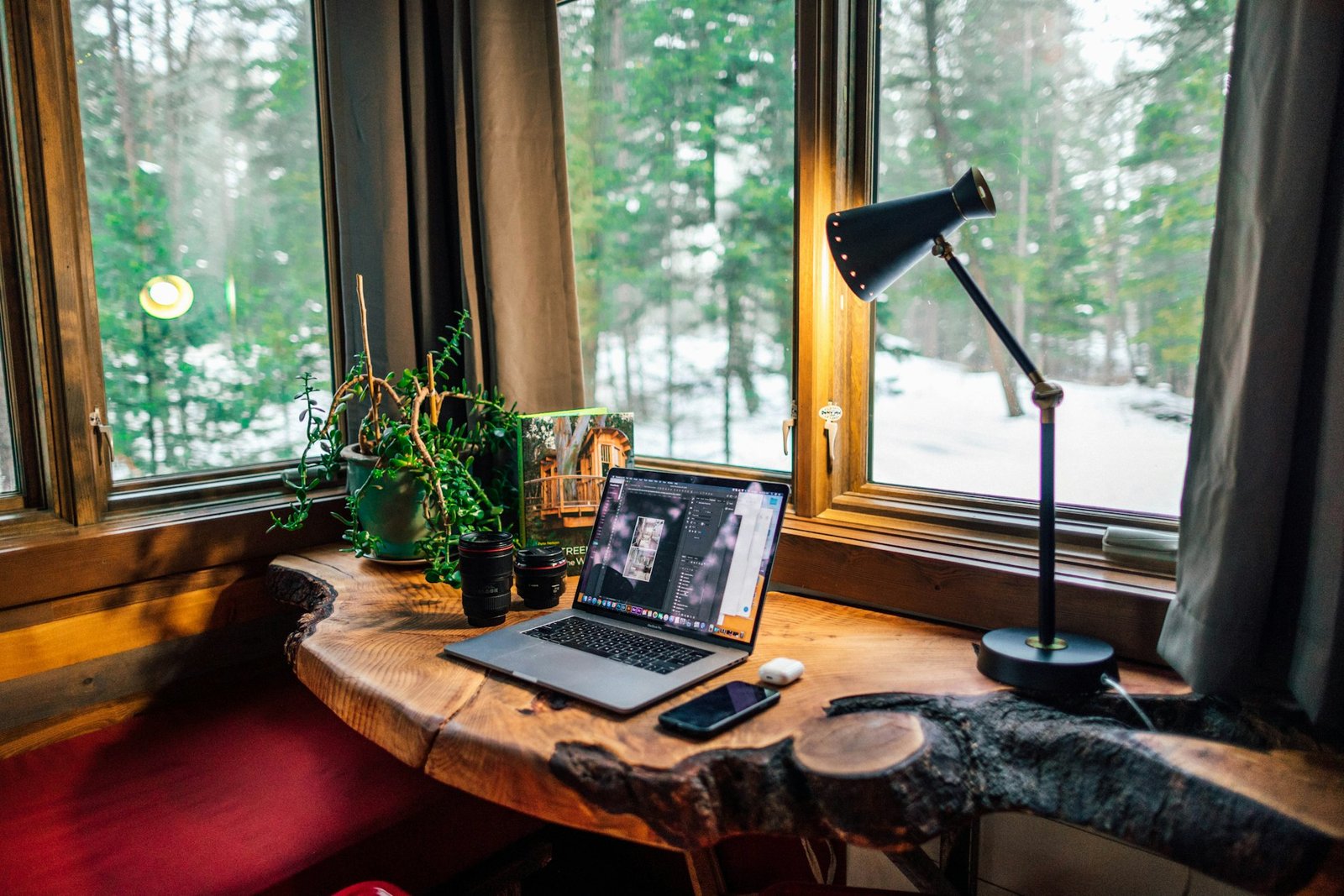
I work in AI product design as my day job, so I end up using Gemini daily whether I’m at my desk or not. That familiarity carried over into hosting almost by accident. What started as “let me just ask Gemini instead of googling this” turned into a real part of how I handle the harder parts of running a short-term rental, not the easy stuff, the situations that actually stress me out: a guest breaking something, a message that has legal weight behind it, and the constant low-grade research every host does between bookings.
TL;DR
Gemini is not a hosting tool. It is a general AI assistant I already use daily for work, and I have built four specific, reusable prompt templates around it for the parts of hosting that actually stress me out: guest damage claims, legal-adjacent questions, vendor and pricing research, and seasonal listing photo edits. It does not replace a lawyer, an insurance carrier, or a professional photographer when the situation genuinely calls for one. What it replaces is the blank page and the dozen open tabs that used to sit in front of those decisions.
Jump to: Guest Damage Claims · Legal and Regulatory Questions · Vendor and Pricing Research · Seasonal Photo Edits · When to Use Gemini vs. When to Escalate · Who This Is NOT For · FAQ
Here’s what that setup actually looks like.

Best Gemini Prompt for Airbnb Guest Damage Claims
The situation that used to rattle me most was a guest reporting (or not reporting) damage to the property. In the moment, you’re deciding how to respond, whether to invoke a security deposit or Airbnb’s resolution process, and how to word a message that’s firm without torching the relationship, all at once, often at 11pm.
What’s worked is setting this up in advance rather than improvising in the moment. Here’s the actual template I drop details into:
I host a short-term rental and need help responding to guest damage.
Situation: [what broke or was damaged]
Estimated repair/replacement cost: [amount, or "unknown, help me estimate"]
Relevant house rule or policy: [paste the line from your listing, if any]
What I need: [a message documenting the issue for my records / a message requesting payment / help deciding whether this qualifies for Airbnb's resolution center]
Tone: [firm but not confrontational / neutral and factual / warm but clear]
Draft the guest message, and tell me what I should log or photograph before sending it.
The part that actually helps isn’t that Gemini “knows” Airbnb’s policies for me. It’s that it removes the blank-page problem when I’m already frustrated, and gives me a first draft I can edit down to my actual voice instead of writing from scratch under stress. If tone in guest messages is a recurring pain point beyond just damage claims, our AI guest messaging tools breakdown covers the dedicated platforms built around that specifically.
Gemini Prompt for Short-Term Rental Legal Questions (Not Legal Advice)
I want to be direct about this one: I don’t treat Gemini as a lawyer, and I’d tell any host not to either. What I do use it for is getting oriented fast, before I decide whether a situation is something I can resolve myself or something that needs an actual attorney or my insurance carrier. Here’s the prompt structure:
I'm a short-term rental host trying to understand a legal or regulatory question, not get legal advice.
Question: [the clause, ordinance, or situation you're trying to understand]
Location: [city/county/state]
What I need: a plain-language explanation of what this typically means, what's commonly at stake,
and whether this is the kind of thing hosts usually resolve themselves or should take to an attorney
or their insurance provider.
Do not give me legal advice. Just help me understand the landscape so I know what to ask a professional.
That distinction matters. It’s a research accelerant for understanding the landscape, not a substitute for professional advice when real money or liability is on the line. Used that way, it’s saved me from a lot of unnecessary calls for things that turned out to be straightforward, and it’s helped me know exactly what to ask when a situation genuinely does need a professional.
The contrarian take: most “AI tools for hosts” content treats a general assistant like Gemini or ChatGPT as beneath a real recommendation, since it is not built specifically for short-term rentals the way a dedicated platform is. In practice, it is the tool I reach for first, precisely because the situations it handles best, an unscripted guest message, a research question with no clean category, are the ones a dedicated tool was never going to cover anyway.
Gemini Prompt Template for Airbnb Vendor and Pricing Research
This is the least dramatic use, and also the one I lean on most. Local vendor research, pricing benchmarks, understanding a new regulation, or catching up on what other hosts are doing differently, all of it used to mean a dozen open tabs. The prompt that replaced most of that:
I need to research [vendor type: cleaners / handymen / photographers / insurance / etc.]
for a short-term rental in [city/region].
Help me find: real options in or near this area, typical pricing or rate ranges for this
service in this type of market, and questions I should ask before hiring.
Pull from multiple sources and tell me where each piece of information came from so I can verify it.
Now it’s usually one conversation that pulls sources together and gives me something to act on directly, with the option to go check the original source if something needs verifying.
Gemini Prompt for Seasonal Airbnb Listing Photo Edits
Between professional photo sessions, listings need small seasonal refreshes: swapping a summer patio shot for a fall one, adjusting lighting on an existing photo, or generating a quick variation for a specific platform’s crop requirements. The prompt structure I use for these:
Edit this listing photo for a seasonal refresh: [describe the season/mood you want, e.g.
"shift this from summer to early fall, warmer tones, a few leaves on the ground"].
Keep the property's actual layout and features accurate, don't add or remove structural
elements, and match the aspect ratio to [platform, e.g. Airbnb hero image / Instagram square].
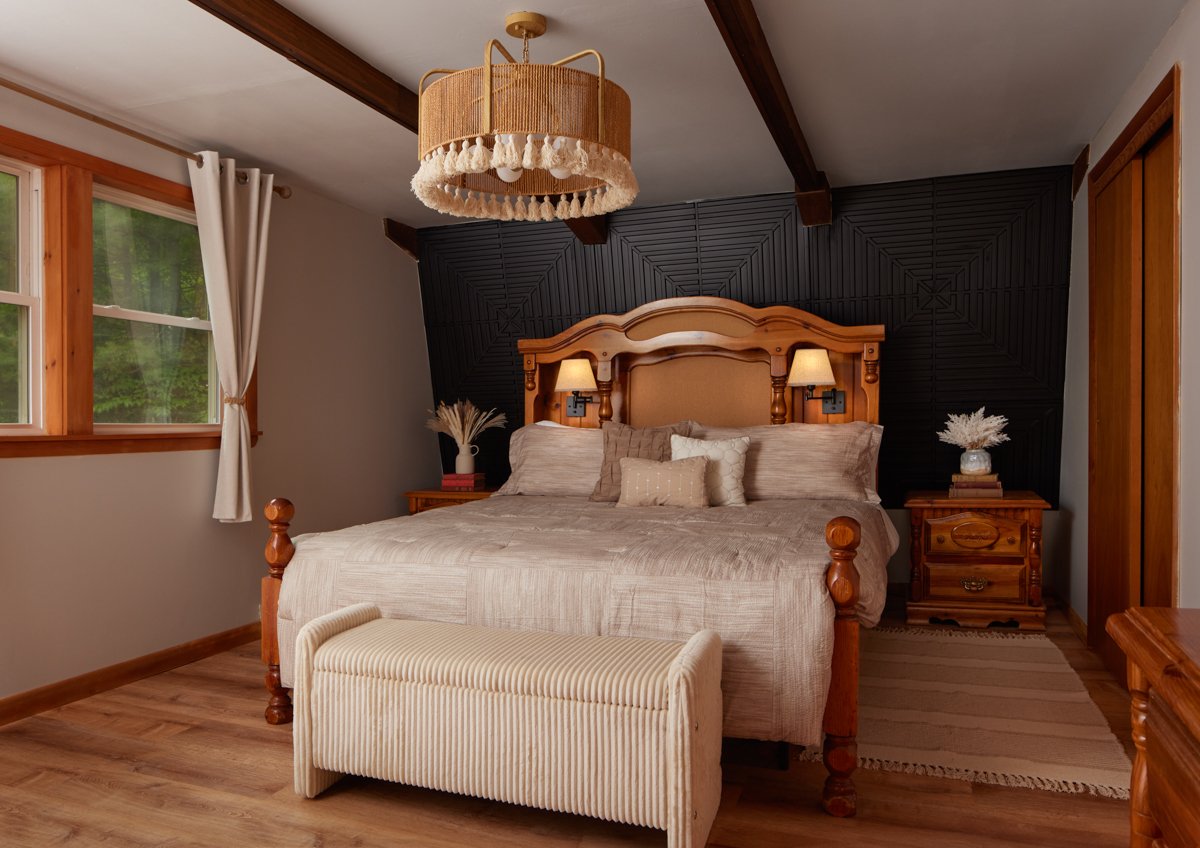
It’s not what I use for a real relaunch shoot, that still goes to a professional photographer, but for keeping a listing feeling current between shoots, it’s fast enough that I actually do it instead of letting photos go stale for a season. For the numbers on when a full professional shoot is actually worth it versus editing what you have, see our AI photo editing vs. hiring a photographer cost comparison.
When to Use Gemini vs. When to Escalate
The pattern across all four prompts is the same: Gemini handles the friction before a decision, not the decision itself. This is the rough framework I actually use:
| Situation | Use Gemini For | Escalate To |
|---|---|---|
| Guest damage | Drafting the message, listing what to log or photograph first | Airbnb Resolution Center or your insurance carrier for anything above minor cost |
| Legal or regulatory question | Understanding the landscape, knowing what to ask | An actual attorney or your insurance provider before acting |
| Vendor or pricing research | Finding real options and rate ranges to start from | Direct quotes and references before hiring anyone |
| Listing photo edits | Small seasonal refreshes between shoots | A professional photographer for an actual relaunch |
Who This Is NOT For
If you already have a lawyer, insurance agent, and photographer you can call without a second thought, and you are not the type to research vendors or second-guess a guest message before sending it, this setup will not save you much. It is built for hosts doing this alongside a full-time job, where the actual cost is not knowledge, it is the time and mental friction of getting to a first draft or a starting point. If you want a tool built specifically for hosting rather than a general assistant repurposed for it, our Hospitable review covers the dedicated end of that spectrum.
The Actual Pattern
None of this replaces judgment, and it definitely doesn’t replace an actual lawyer or a professional photographer when the situation calls for one. What it replaces is the friction before those decisions: the blank page when I need to respond to a guest fast, the dozen open tabs when I’m researching something new, and the excuse to skip a small photo update because a full shoot felt like too much. That friction is where most of my hosting time actually used to go, and it’s the part AI tools have genuinely taken off my plate.
FAQ
Is Gemini free to use for this?
Gemini has a free tier that covers everything in these four prompts. I don’t use any paid tier specifically for hosting tasks.
Does Gemini know Airbnb’s actual policies?
Not reliably enough to depend on. Treat its policy-related answers as a starting point to verify against Airbnb’s actual help center or your local regulations, not a final answer.
Why not use a hosting-specific AI tool instead?
For guest messaging automation specifically, a dedicated tool like Hospitable does more, since it connects directly to your inbox and calendar. Gemini fills the gaps those tools don’t cover: the one-off legal question, the vendor search, the photo touch-up.
Can Gemini actually edit my listing photos directly?
Yes, for the kind of seasonal or lighting adjustments described here. It is not a substitute for a real photo shoot when your listing needs a genuine visual refresh.
Copy the Templates
All four prompts in one place, ready to copy and fill in the brackets:
1. Guest Damage Claim Response
I host a short-term rental and need help responding to guest damage.
Situation: [what broke or was damaged]
Estimated repair/replacement cost: [amount, or "unknown, help me estimate"]
Relevant house rule or policy: [paste the line from your listing, if any]
What I need: [a message documenting the issue for my records / a message requesting payment / help deciding whether this qualifies for Airbnb's resolution center]
Tone: [firm but not confrontational / neutral and factual / warm but clear]
Draft the guest message, and tell me what I should log or photograph before sending it.
2. Legal / Regulatory Question (Not Legal Advice)
I'm a short-term rental host trying to understand a legal or regulatory question, not get legal advice.
Question: [the clause, ordinance, or situation you're trying to understand]
Location: [city/county/state]
What I need: a plain-language explanation of what this typically means, what's commonly at stake,
and whether this is the kind of thing hosts usually resolve themselves or should take to an attorney
or their insurance provider.
Do not give me legal advice. Just help me understand the landscape so I know what to ask a professional.
3. Vendor and Pricing Research
I need to research [vendor type: cleaners / handymen / photographers / insurance / etc.]
for a short-term rental in [city/region].
Help me find: real options in or near this area, typical pricing or rate ranges for this
service in this type of market, and questions I should ask before hiring.
Pull from multiple sources and tell me where each piece of information came from so I can verify it.
4. Seasonal Listing Photo Edit
Edit this listing photo for a seasonal refresh: [describe the season/mood you want, e.g.
"shift this from summer to early fall, warmer tones, a few leaves on the ground"].
Keep the property's actual layout and features accurate, don't add or remove structural
elements, and match the aspect ratio to [platform, e.g. Airbnb hero image / Instagram square].
Sources: Google Gemini.